The sound of your business
Your space already has a feeling. Make it intentional. CXProMusic Select
Music and atmosphere control for business venues.
Music and atmosphere control for business venues.
From $15/mo · billed annually · 14 days free



Why is the music still random?
The room, the lighting and the service are designed. The soundtrack can be too.
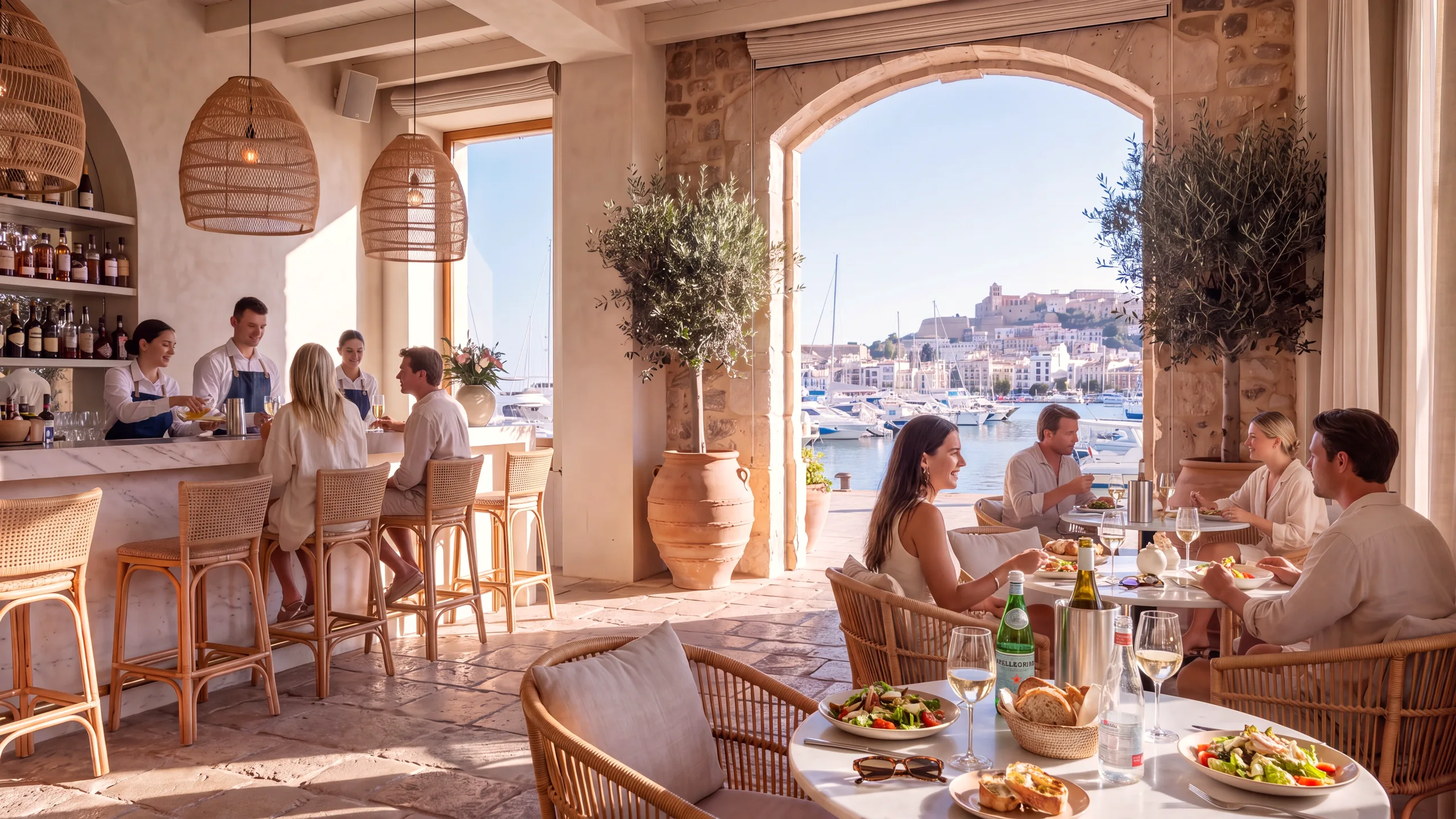
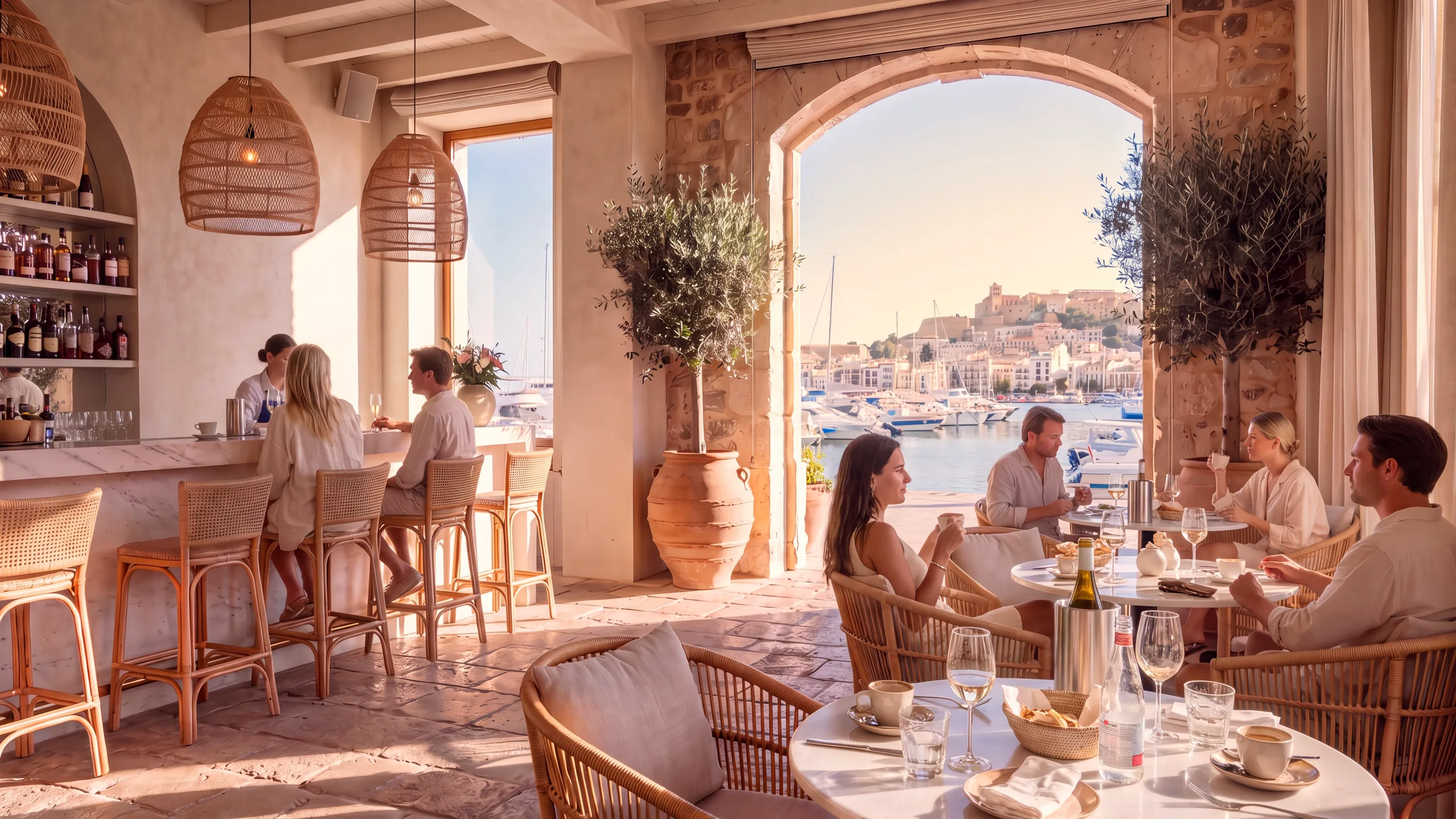
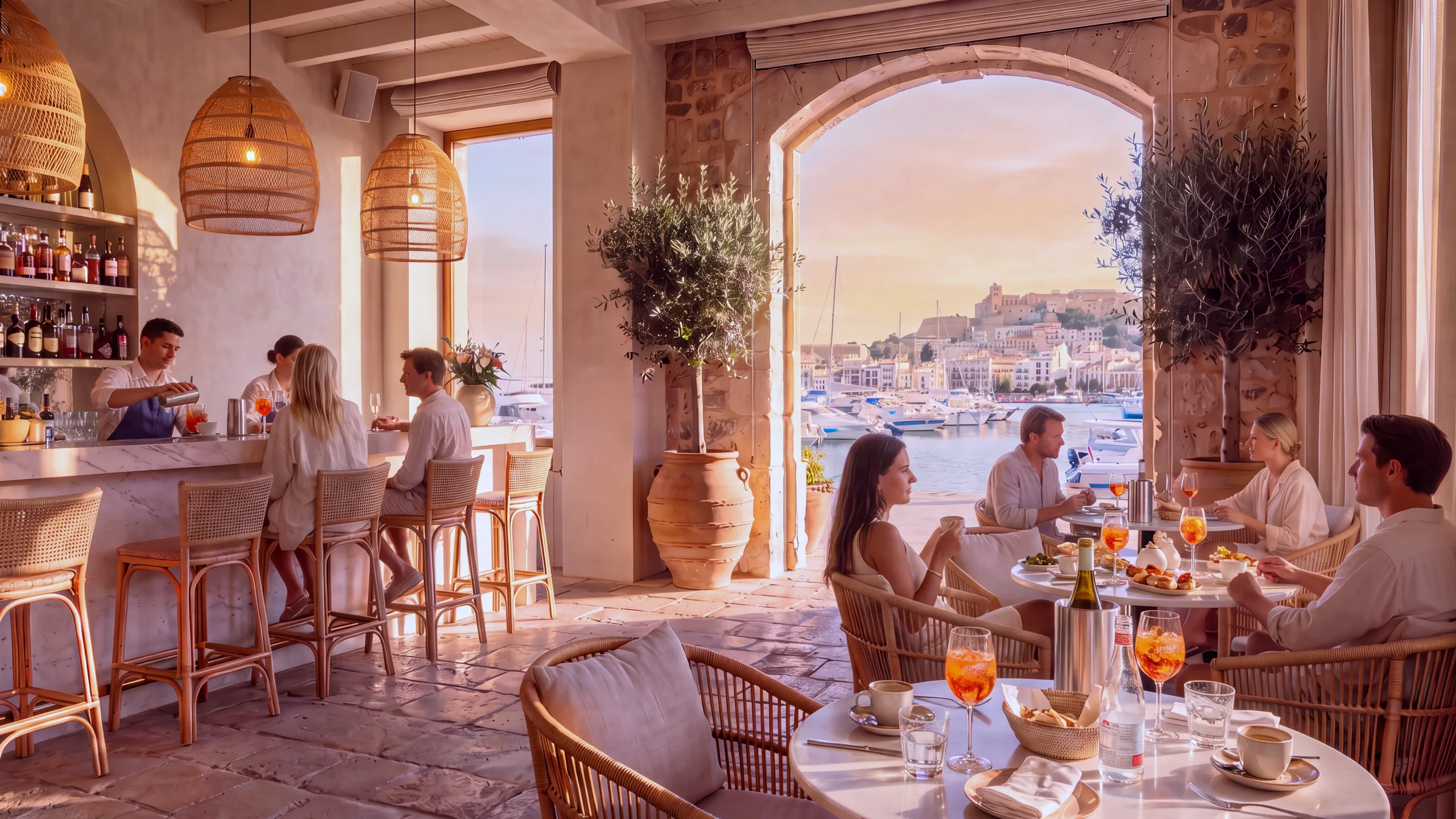
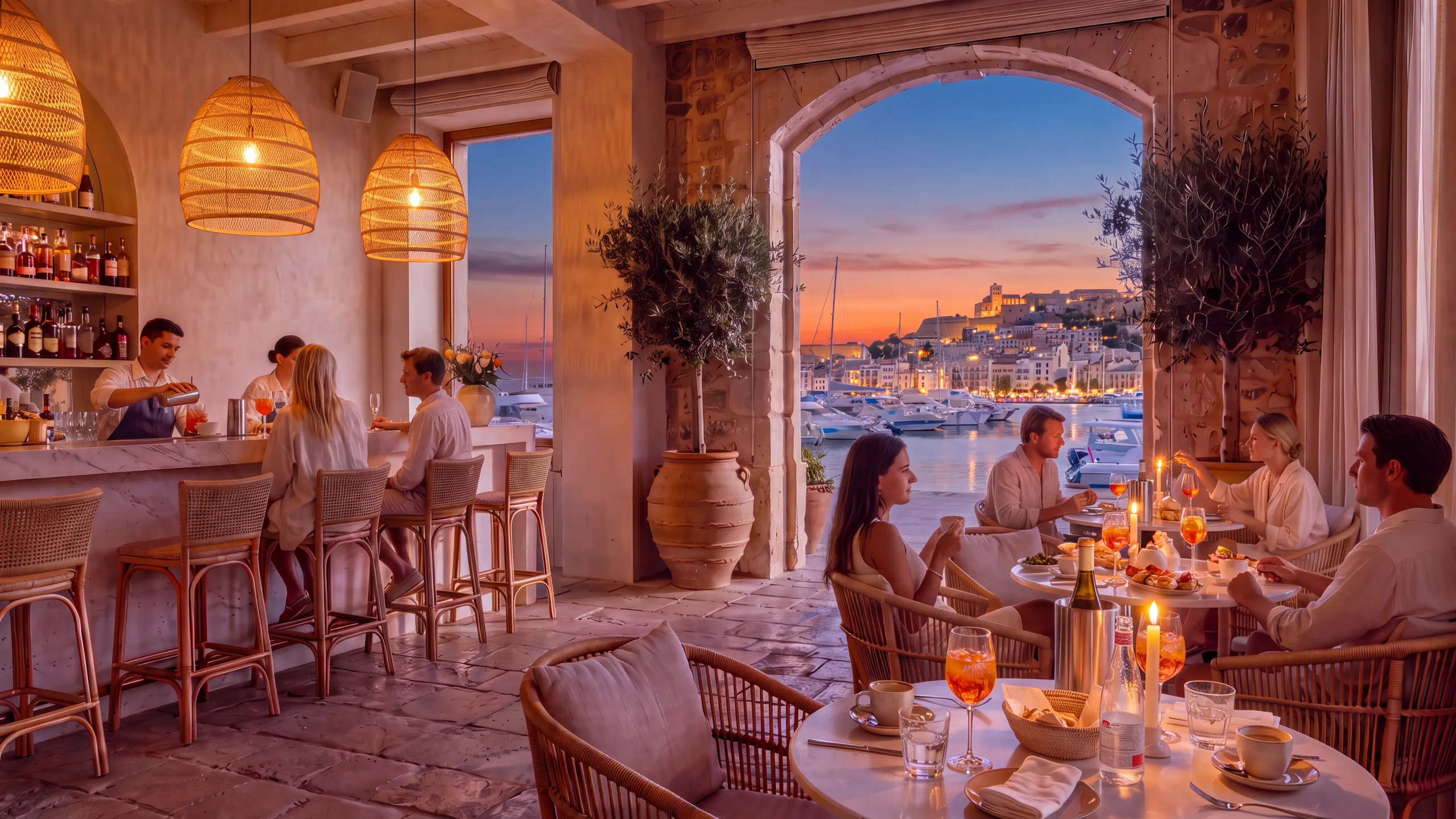
The same room should not feel the same all day.
8:00 AM
- 8 AM
- 12 PM
- 5 PM
- 8 PM
- 10 PM
The music changed with the room.
This is CXProMusic Select.
A Live Playlist that builds itself.
Learns your venue. Better every day.
Refreshed daily from the full Select catalog. Learning from every thumb.
Music created for the room.
A continuously growing library of venue-ready tracks across languages and styles, created and curated for atmosphere, flow and all-day listening.
The next level of venue music is music created for the space itself.
Describe the feeling.
CXProMusic Select finds what fits.
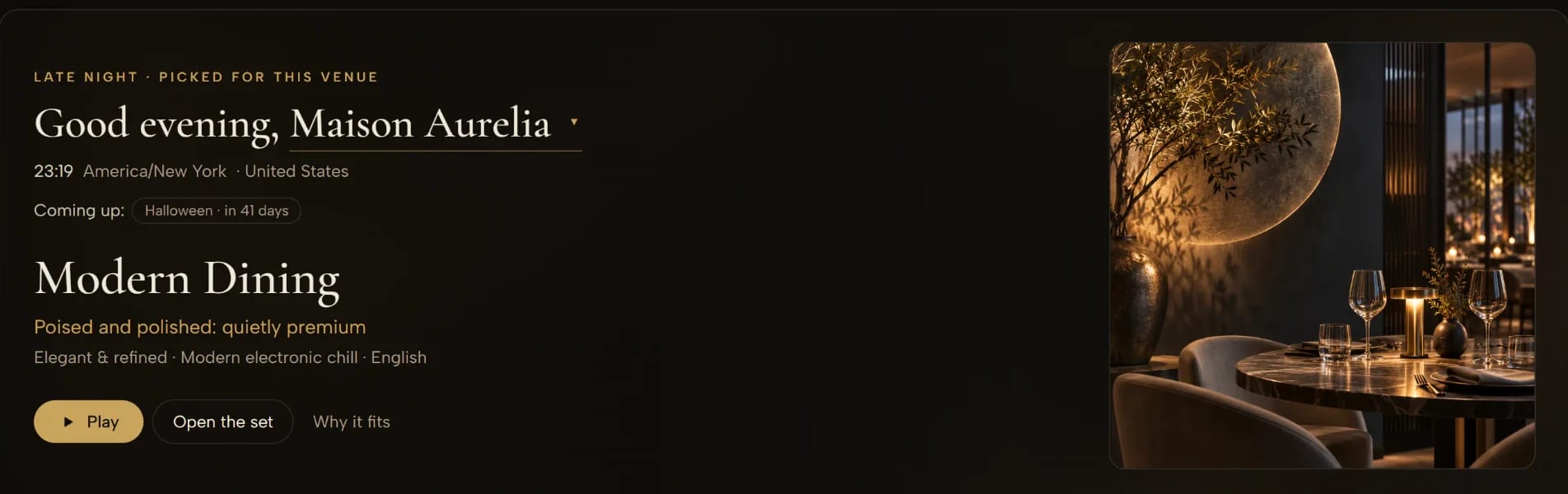
Picked for the venue, the hour and the mood — and it tells you why it fits.
Hear what fits your venueSeven Live Playlists.
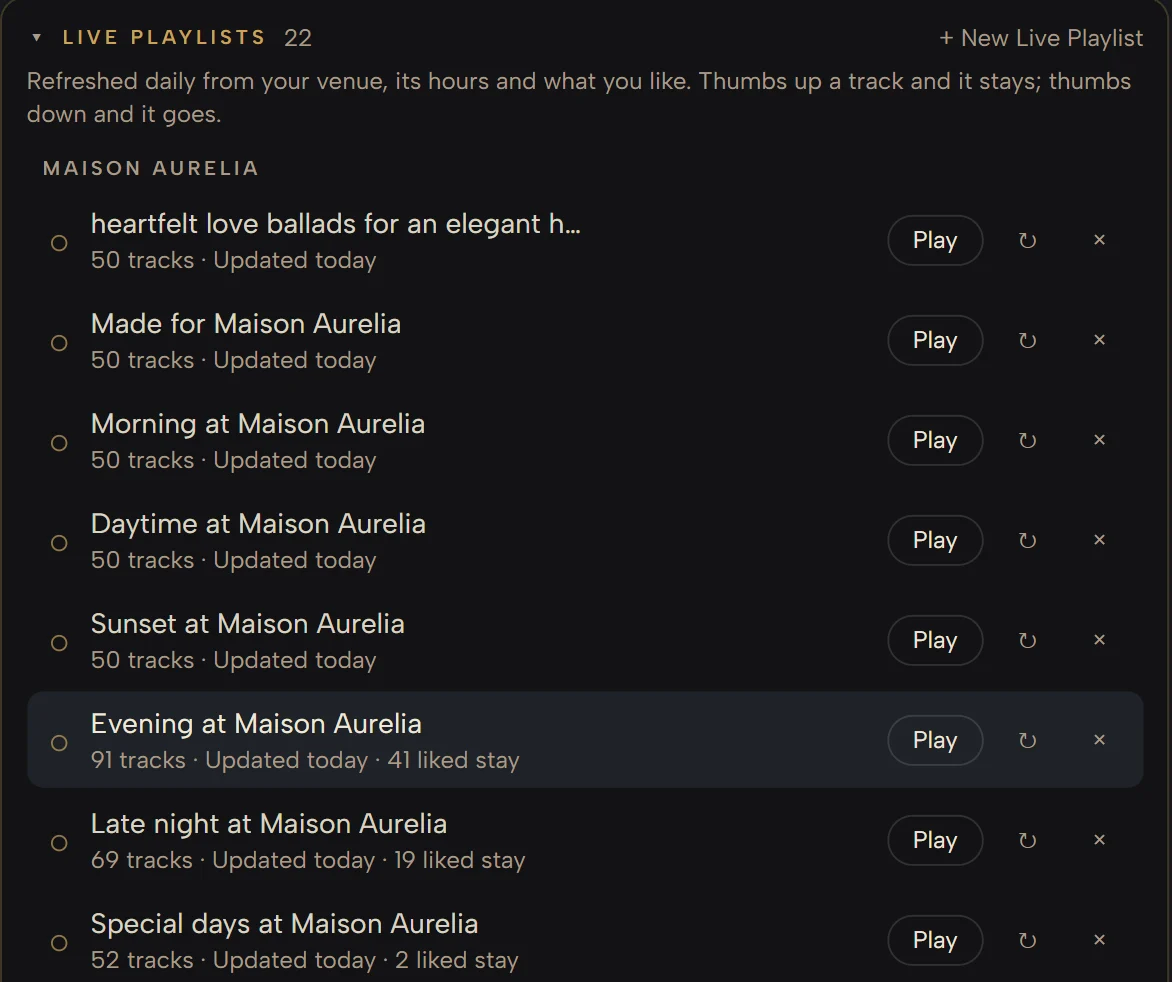
Ready the moment your venue is registered, one for every part of the day. Each builds itself, refreshes daily and grows with what you like.
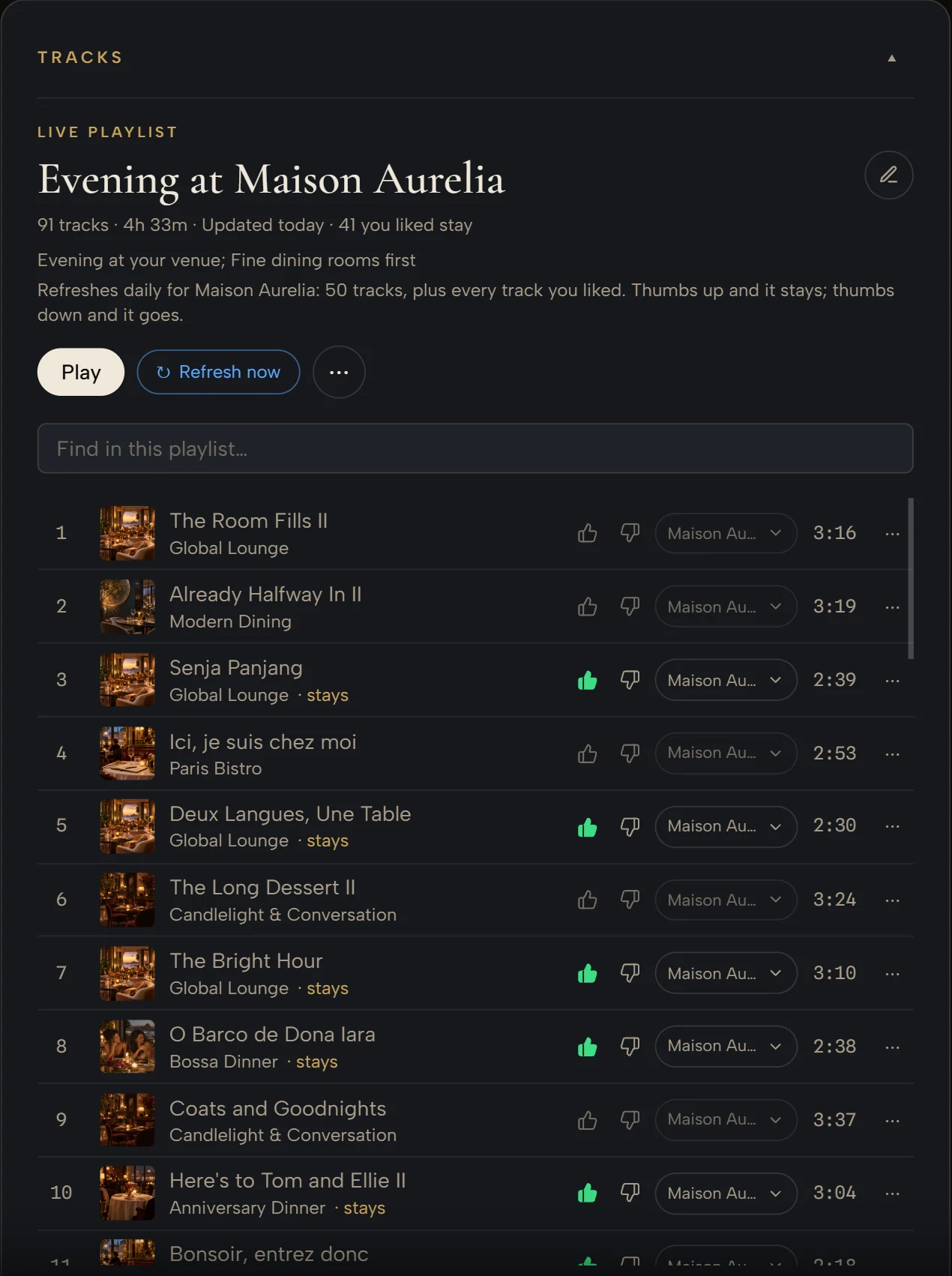
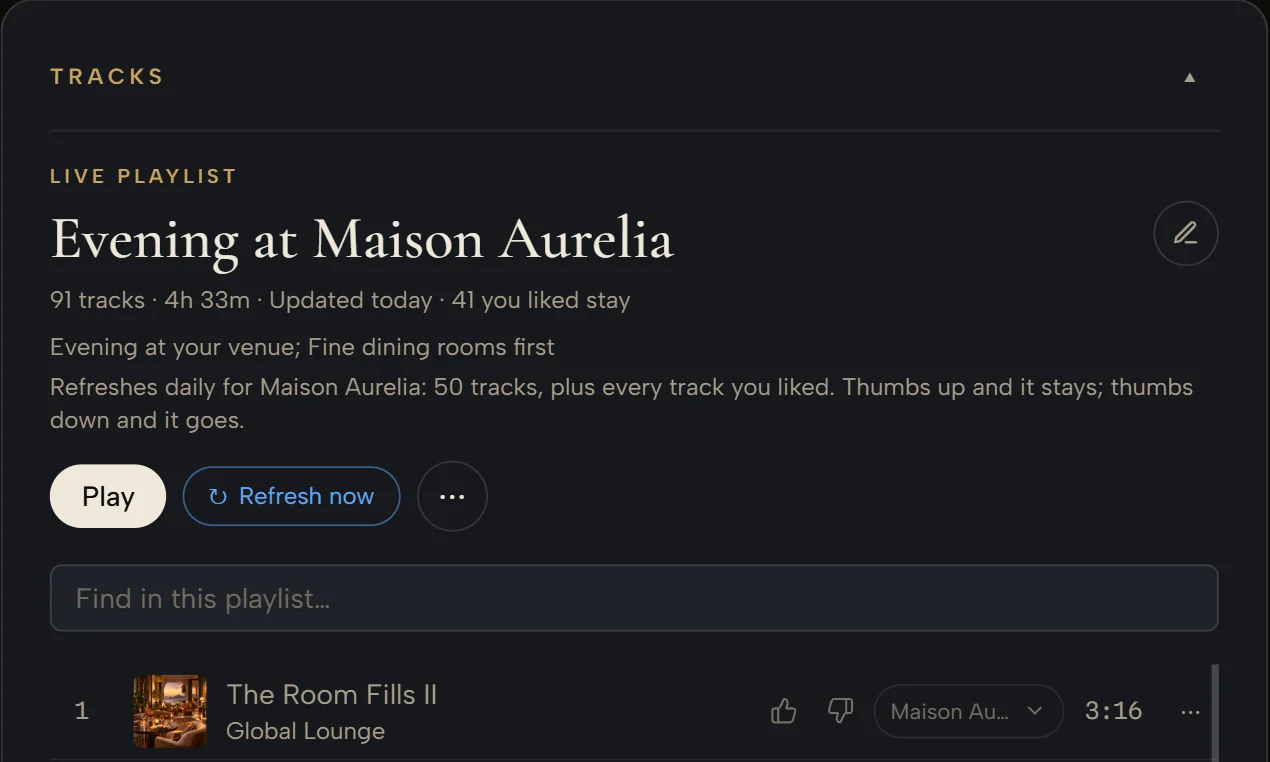
Thumbs up and it stays. Thumbs down and it goes.
A liked track stays as long as you like it. A disliked one leaves at once, and nothing like it returns. What still fits stays; the rest is new.
Fresh every day. Never random.
In your own words.
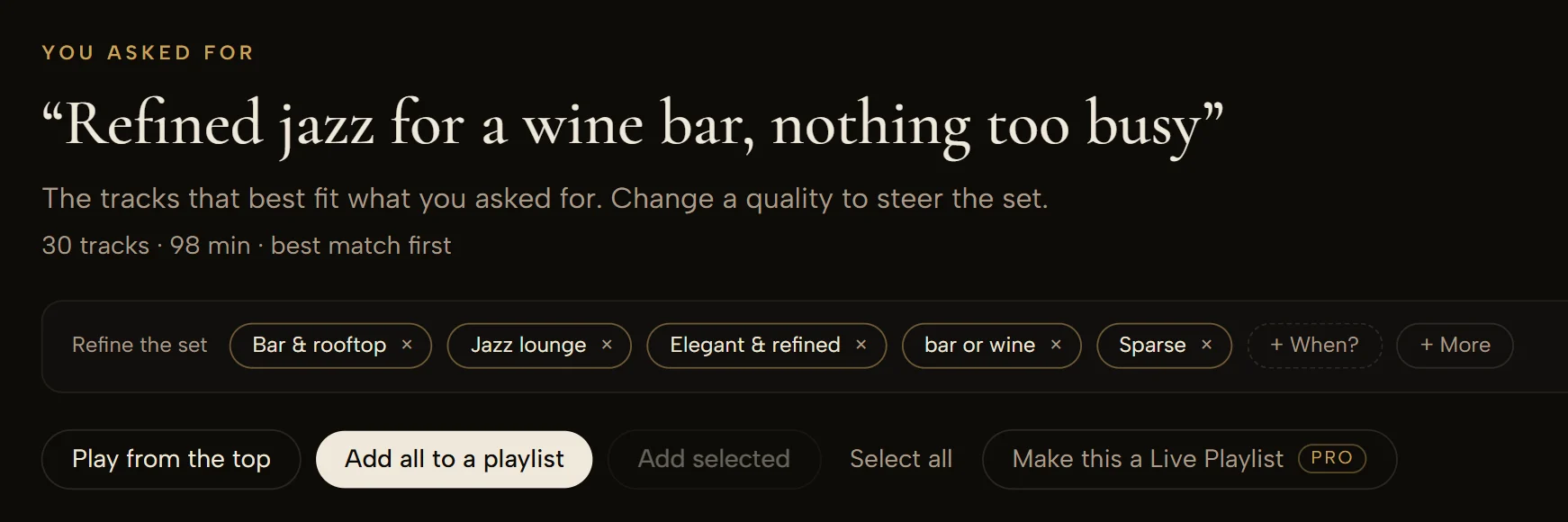
Type what you want to hear, press “Make this a Live Playlist”, and it refreshes and learns from there. Any Live Playlist takes a line of your own on top.
Live Playlists in your own words · Pro & Business plans
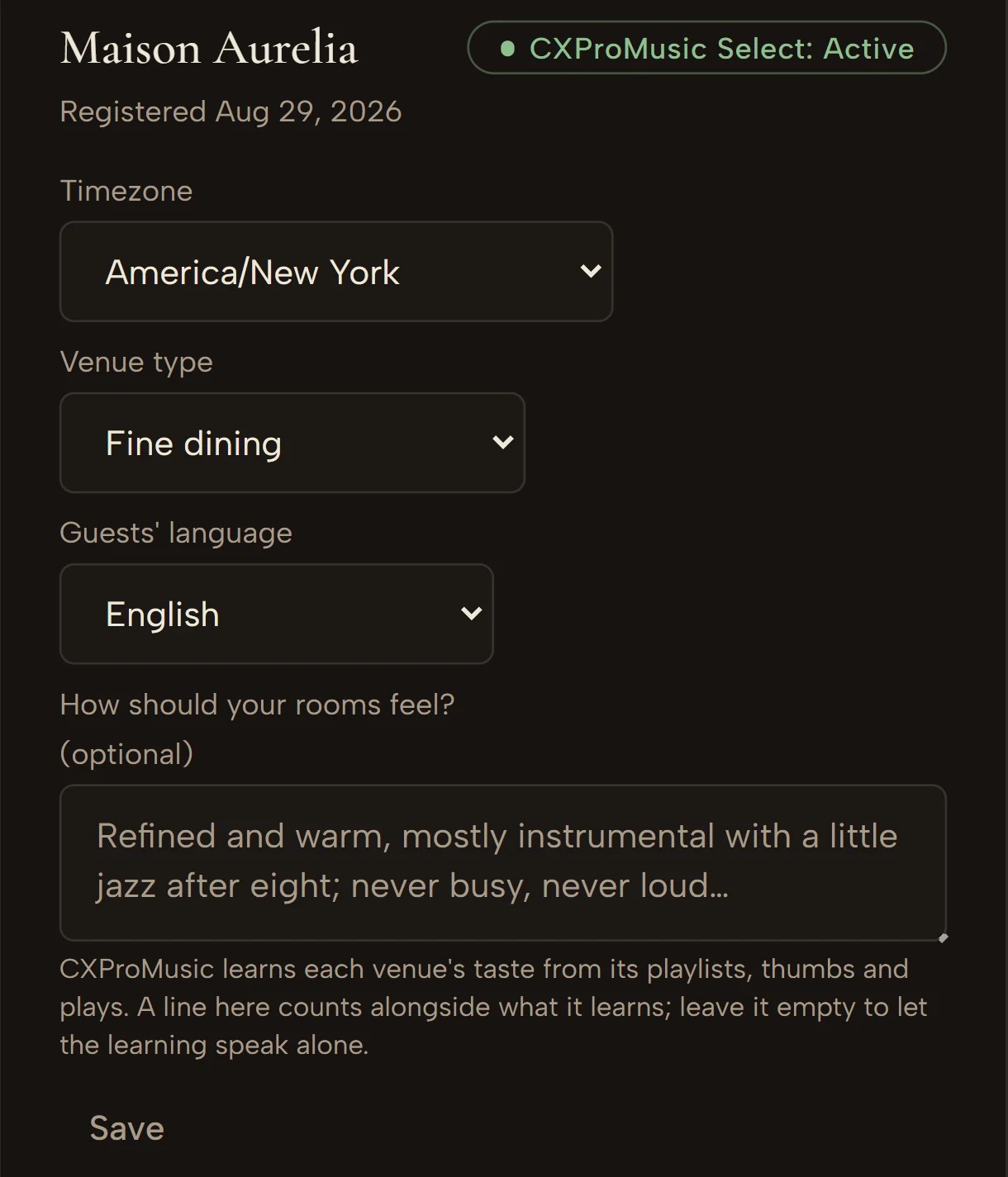
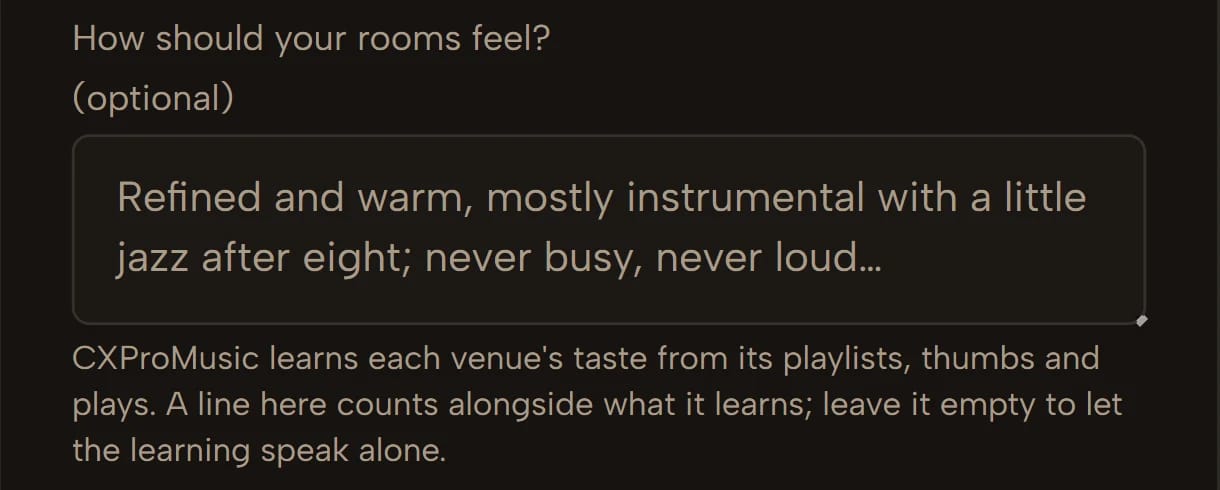
Your venue, not every venue.
Every Live Playlist belongs to one venue. Two rooms of one company learn separately, each around its own guests and hours.
Less searching. Better-fitting music.
- Daily
- Weekly
- Holidays & special days
- Special occasions
Set the rhythm once.
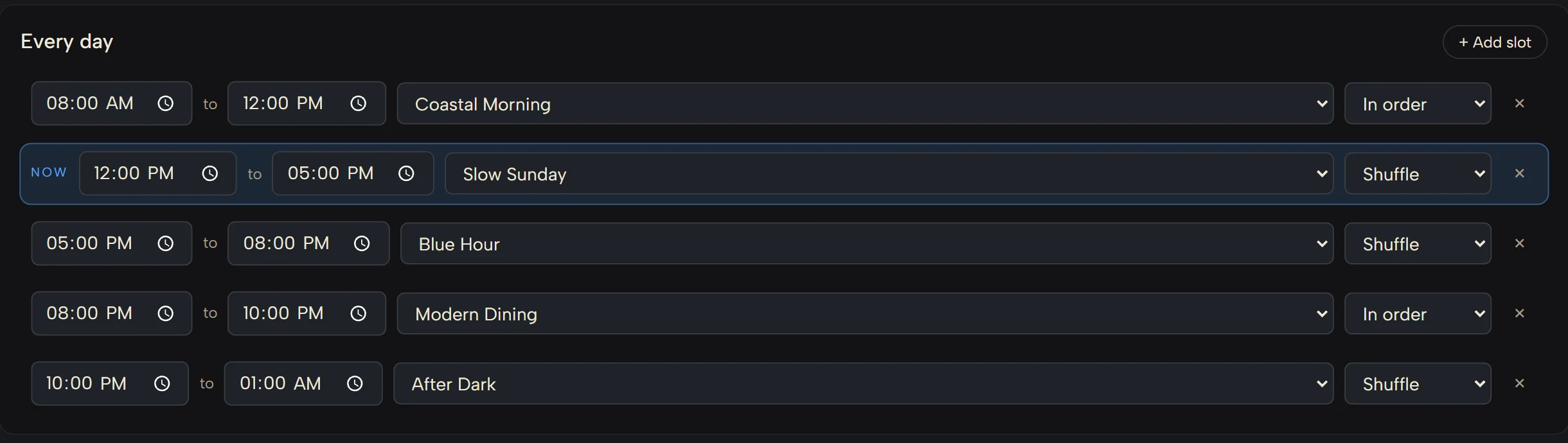
The same slots every day — opening, service, evening, late — each with its own playlist.
- Daily
- Weekly
- Holidays & special days
- Special occasions
Give each day the slots it needs.
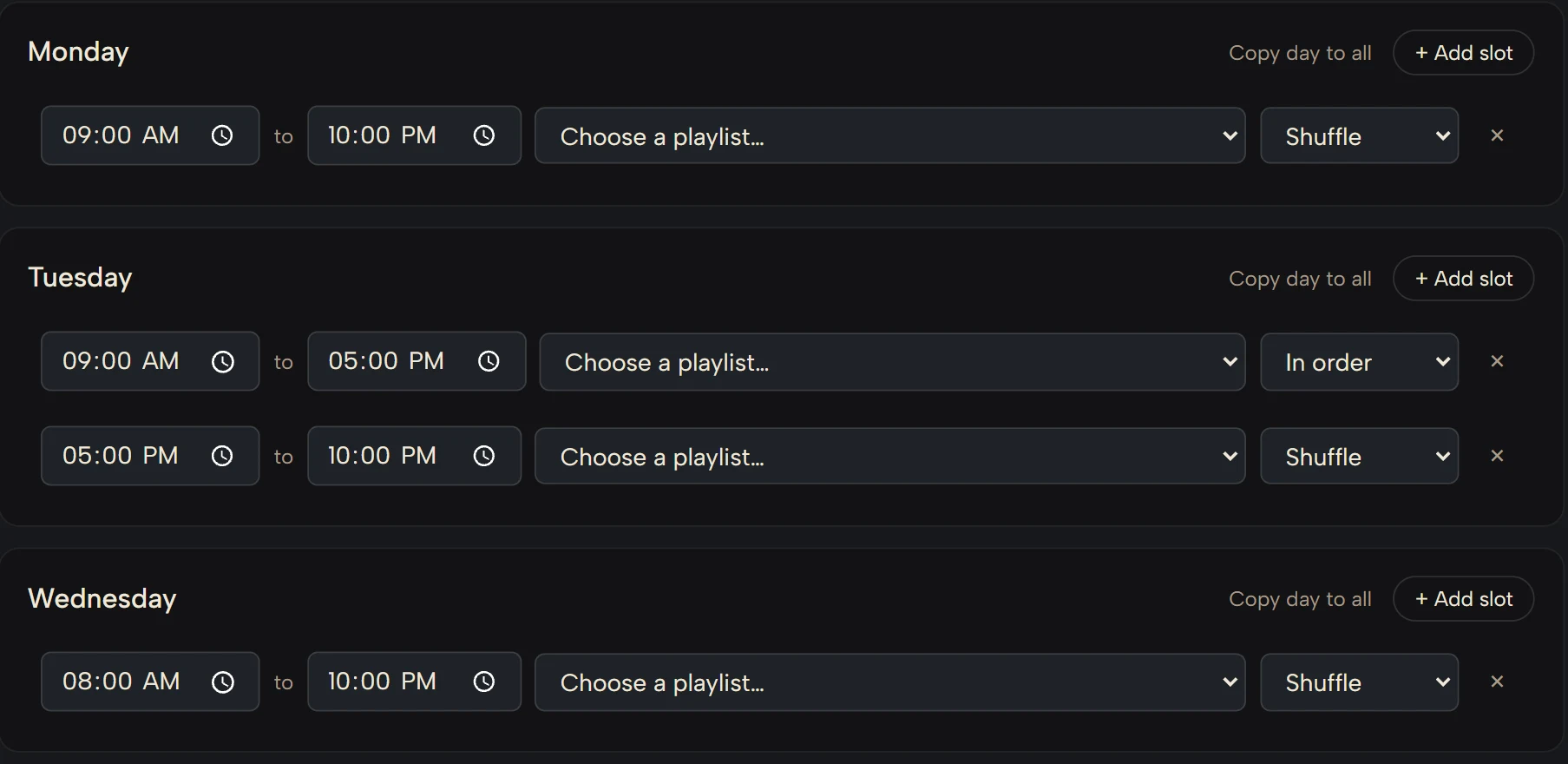
Brunch on Sunday, a long Friday evening, a quiet Tuesday — the week runs on its own until you choose to step in.
- Daily
- Weekly
- Holidays & special days
- Special occasions
The soundtrack follows the calendar.
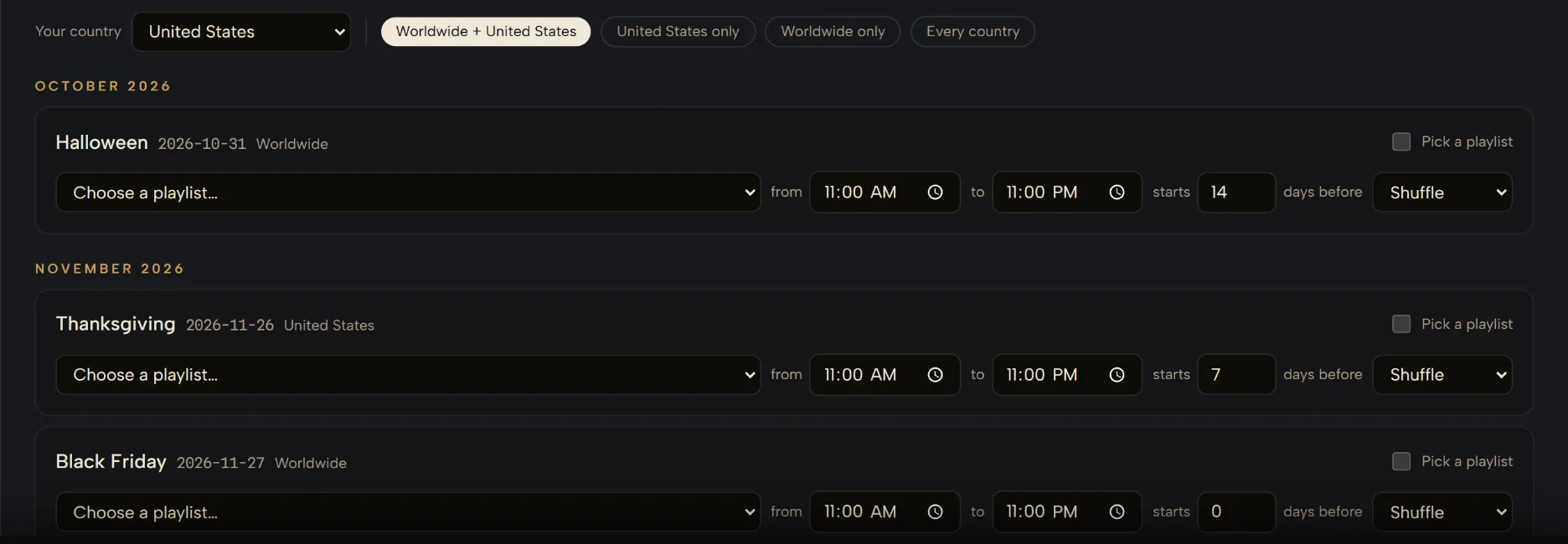
Country-specific and worldwide special days switch the venue into the atmosphere prepared for that date — starting as many days before as you choose — then hand back.
- Daily
- Weekly
- Holidays & special days
- Special occasions
And the days that are yours alone.
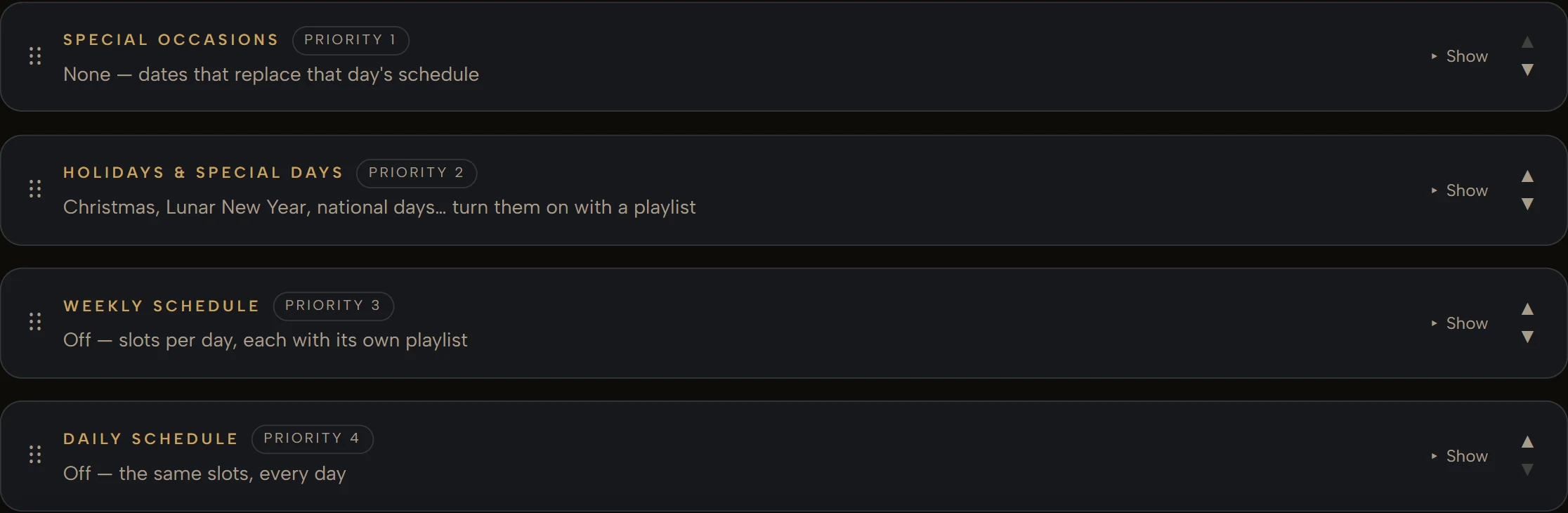
A special occasion is a date that replaces that day’s schedule — its own slots, a playlist for each. When two schedules overlap, the one you rank higher wins.
Some moments are not on the calendar.
- Birthday
- Anniversary
- Toast
- Celebration
- Private event
Be ready for the ones that matter.
- Birthday
- Anniversary
- Toast
- Celebration
- Private event
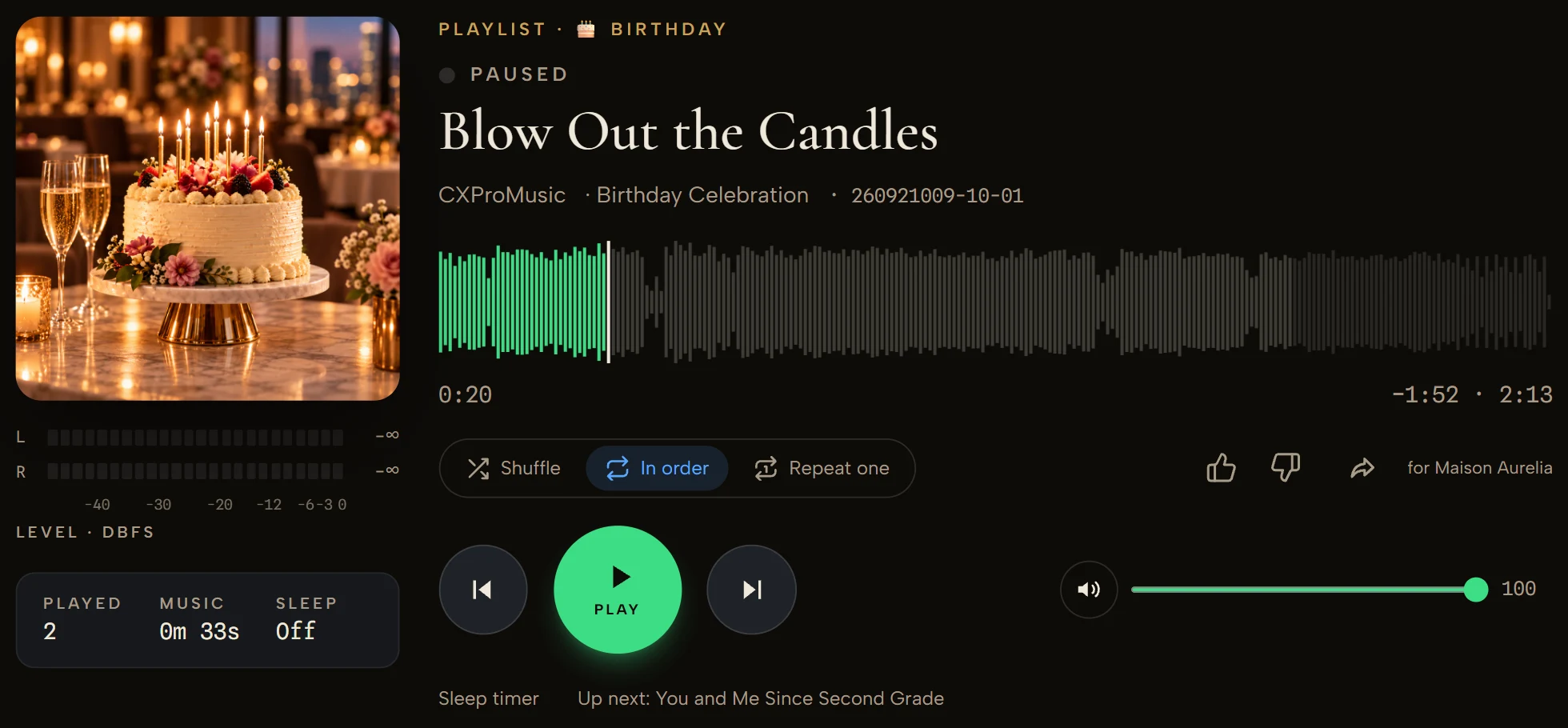
One tap changes the soundtrack for the moment — without rebuilding the day’s schedule.

For special occasions
Some moments deserve the right final song.
From birthdays to anniversaries to private events, CXProMusic helps your venue sound right when the room matters most. For wedding receptions and late-night celebrations, a slow, warm closing song can leave the whole evening on exactly the right note.
Wedding · Last Dance
One More Song Before the Lights
A heartfelt closing song for the final dance of the night — warm, reflective, and made for the moment just before the lights come up.

Your staff should not have to manage the music.
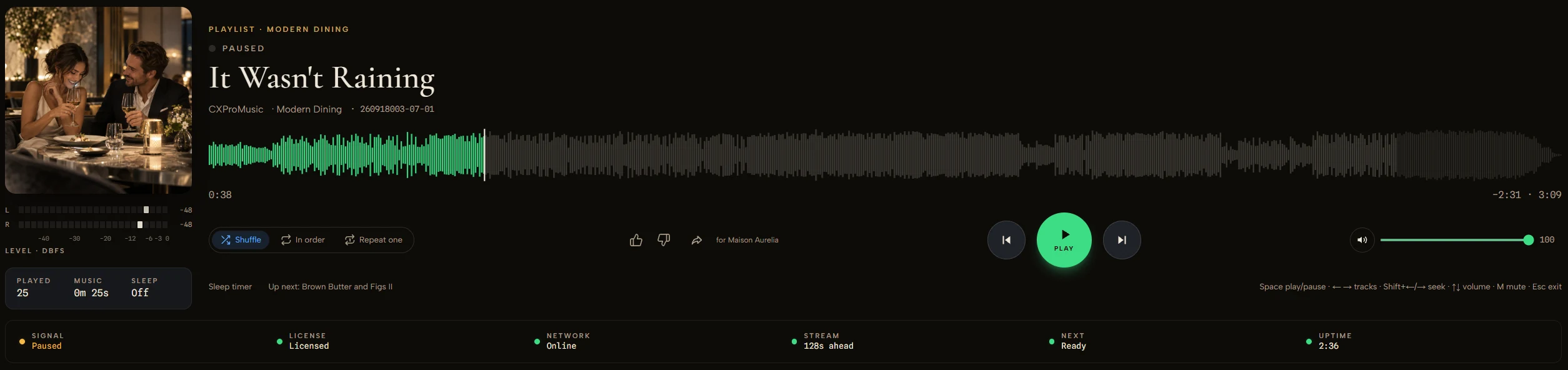
The Player follows the venue’s schedule and music selection on its own. Staff step in when they want to — not because they have to.
In a browser, on the tablet or computer you already have.
The room is over there. The control is right here.
See what a zone is playing, change the atmosphere, skip or adjust the volume from your phone.
Remote control · on every plan
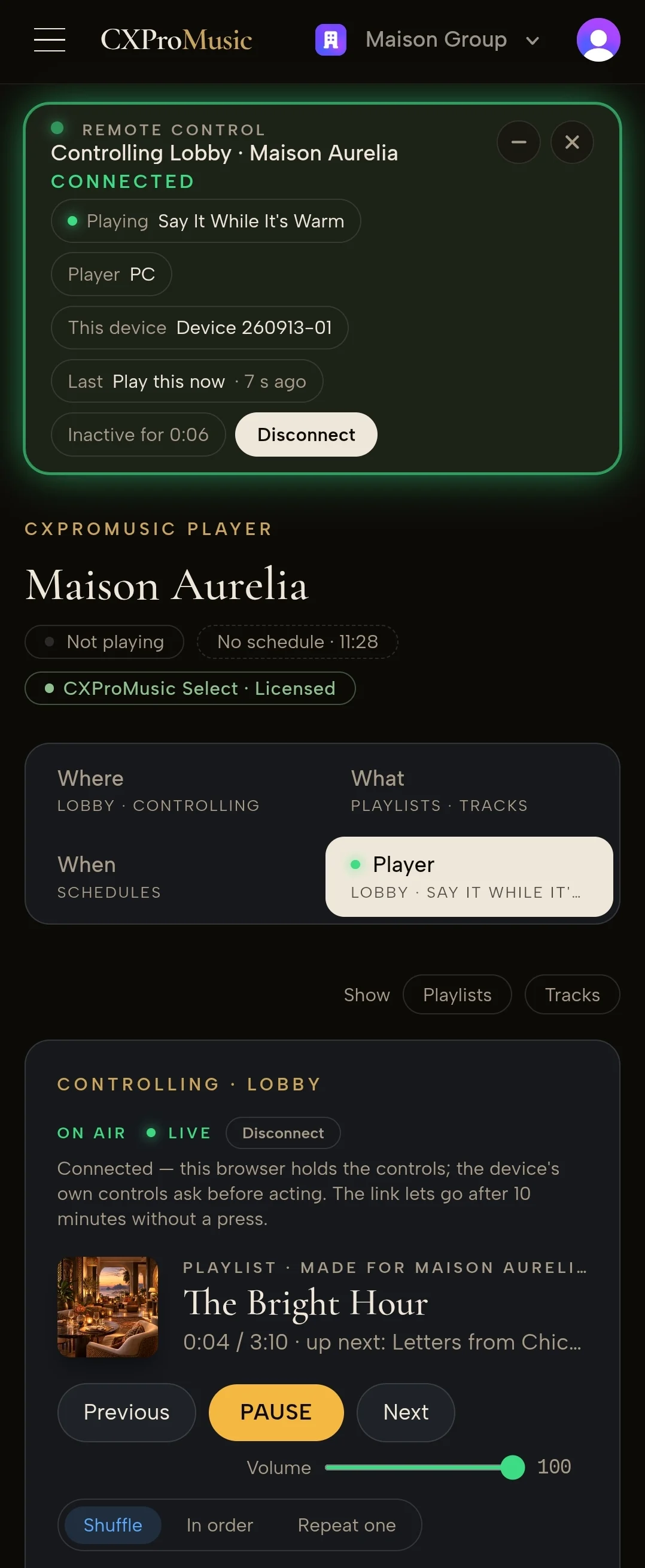
The room stays in charge.
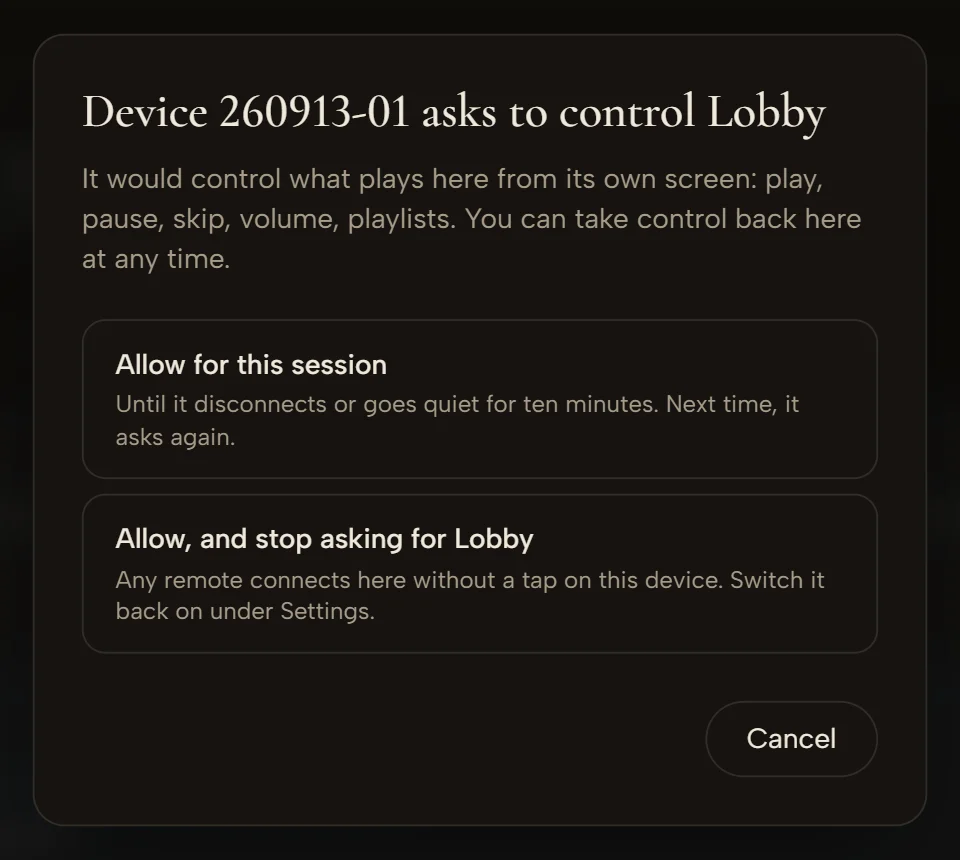
The room allows a remote for a session or for good, and can take control back at any time.
Remote control · on every plan

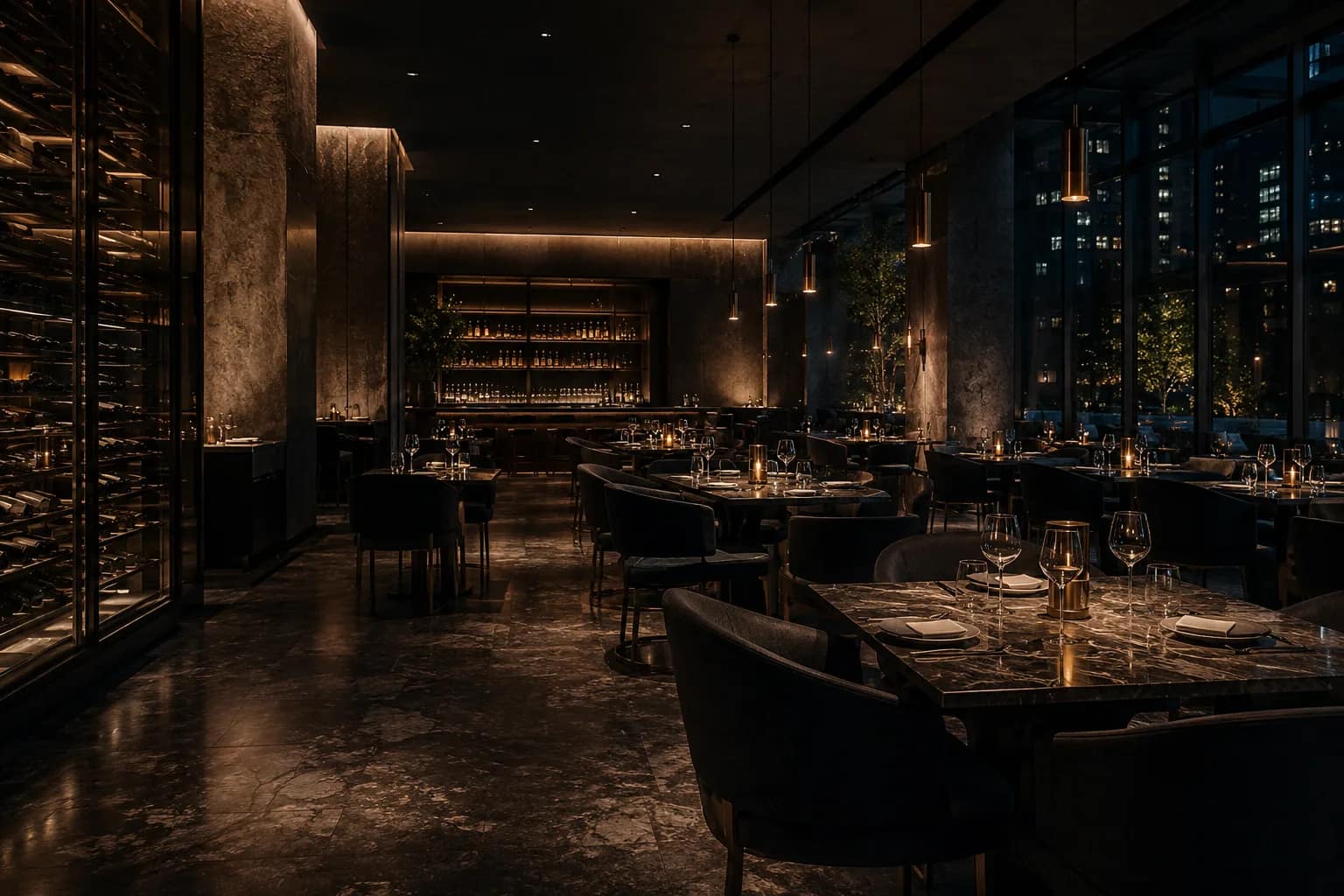



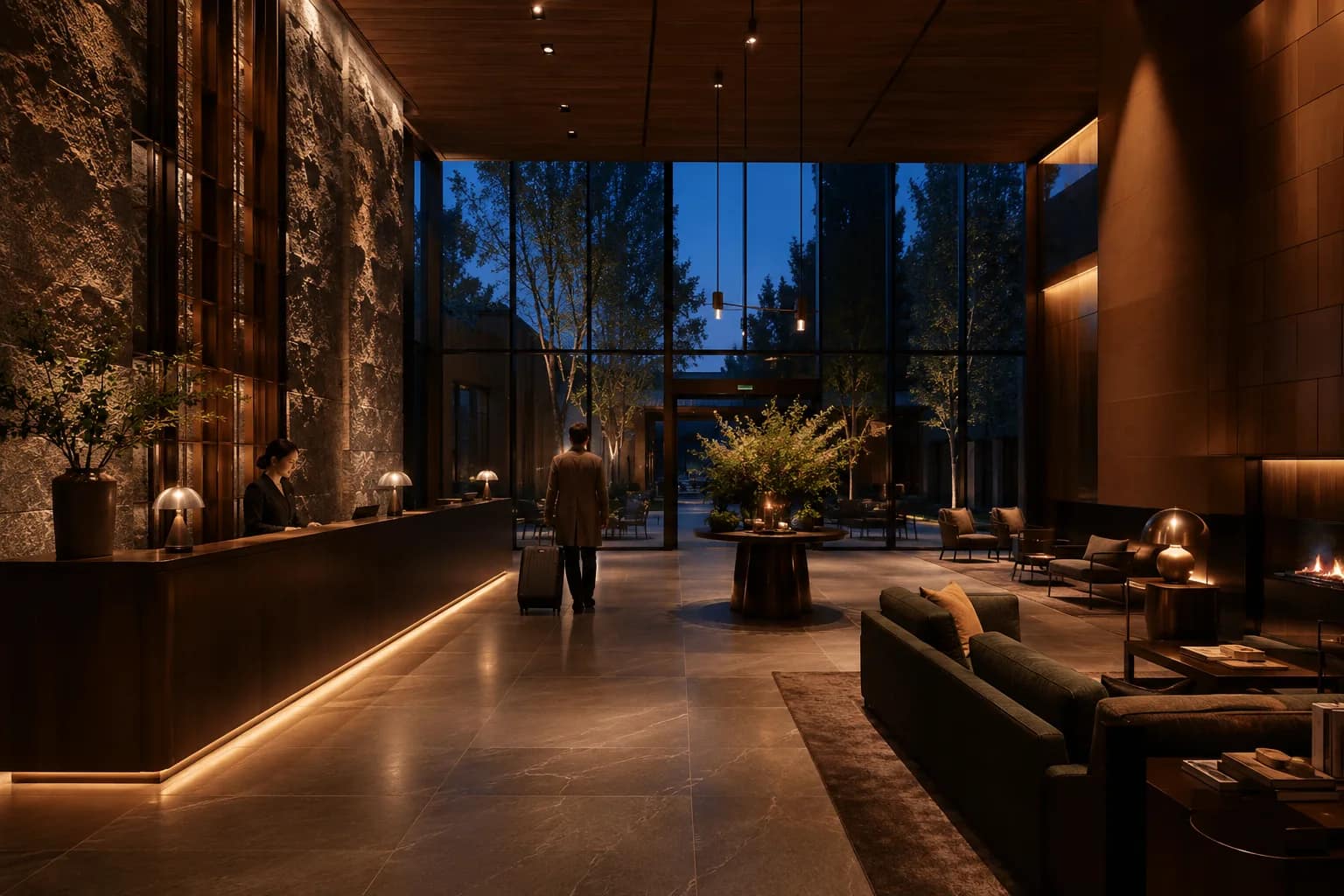
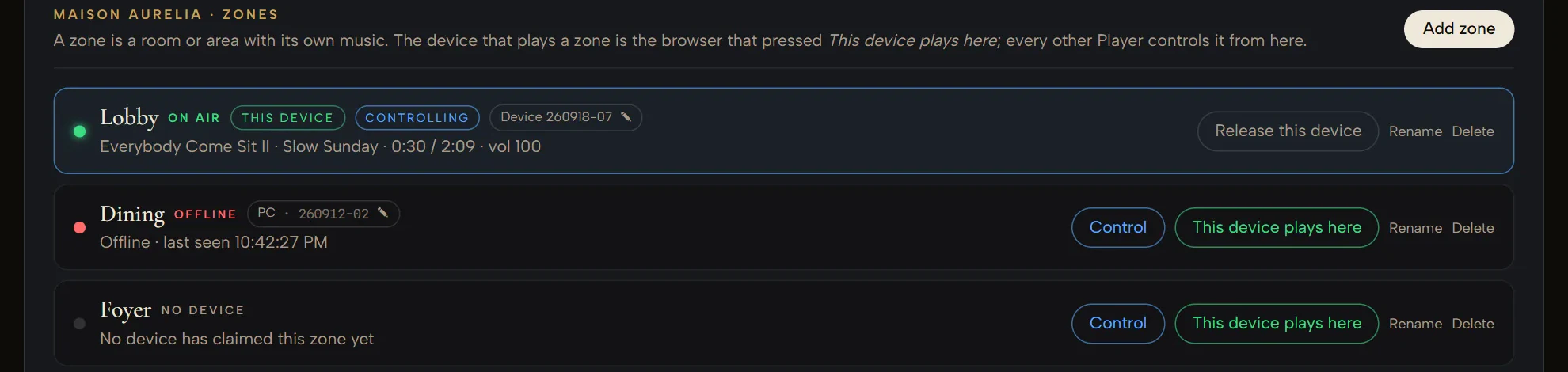
One room.Every zone.Every venue.One organization.
Each zone can have its own atmosphere, schedule and Player — under one organization.
CXProMusic Select scales from one room to multi-venue operations without turning music into another job.
Plans are sized by how many venues and rooms you run.
Compare plansBuilt for real organizations
The right control for every role.
- Organization-wide control
Head office
Billing · venues · team access · oversight
- Runs assigned venues
Manager
Schedules · special days · zones · playlists · Insights
- Runs the Player
Operator
Play · pause · skip · thumbs
Everything else read-only
Head office runs the organization. Managers run their venues. Operators run the Player.
Venue roles & head office · Business plan
Stop managing music. Start managing the experience.
The CXProMusic Select library
Brought to you by CXProMusic
Built for atmosphere, changing dayparts and long-form venue listening.
From the makers of music heard around the world.
A continuously growing library of venue-ready tracks, across languages and styles — created and curated for business spaces.
CXProMusic Select has its own venue-focused library, backed by a music brand already heard around the world.
Sound changes more than sound.
+9.1%
higher sales with brand-fit music vs. random popular music
84%
of shoppers said music made the experience more enjoyable
91%
of brand leaders said music can make or break the experience
Independent third-party research, cited for context. The findings describe the settings those studies examined and do not guarantee any particular business result.
Sources & methodology
- +9.1% Higher sales observed with brand-fit music versus random popular music, in a five-month restaurant field study across 16 locations and nearly two million transactions. HUI Research field study, reported by QSR Magazine (2017)
- 84% of surveyed shoppers said music made the experience more enjoyable, in a survey of more than 11,000 consumers. Mood Media consumer survey, reported by Regency Centers
- 91% of surveyed brand leaders said music can make or break the customer experience. Modern Restaurant Management
Getting started
Register a venue, press Play.
Name your business. Register the venue — its kind of room, its time zone, your guests’ language. Open the Player: your Live Playlists are already there. Press Play, and let the Player run the day on its own.
Music programmed for your venue in minutes. Better every day.
The music + the rights to play it
One subscription.
CXProMusic business playback rights included.
From $15/mo · billed annually · 14 days free
For the venues and players covered by your plan. Music from other sources is not covered. Licensing details
Hear the difference in your own venue.
Fourteen days. Your rooms. Your schedule. Your guests.
A card is required; nothing is charged until the trial ends, and you can cancel before then.
CXProMusic SelectFrom $15/mo billed annually
Start free